
VideoFX
VideoFX combines three production-grade AI video tools in one platform. Generate videos from text or images, add precise lip sync in 40+ languages, and transfer real motion to any character — no editing skills required.
VideoFX processes your input through specialized neural pipelines: advanced AI handles text-to-video generation, multi-model AI powers image-to-video transformation, and our lip sync engine matches mouth shapes across 40 languages. Each tool runs independently so you can chain them — generate a scene, add character dialogue, then apply motion from a reference clip.
From text-to-video creation to image animation and 4K upscaling, explore tools built for every video production need.
Describe your scene and VideoFX renders it in 1080p. Specify camera angles, lighting, character actions, and environment. Results generate in 30-45 seconds with built-in audio.
VideoFX delivers 5-10 second clips in under 45 seconds
1080p output with consistent character rendering across frames
Automatic sound effects and ambient audio matched to scene content
Upload a video and new audio — VideoFX replaces lip movements frame-by-frame with phoneme-level precision. Works with 40+ languages including tonal languages like Mandarin and Vietnamese.
Phoneme-accurate lip sync across Latin, CJK, Arabic, and Cyrillic scripts
Track and sync multiple speakers in the same scene independently
Maintains original facial expressions while only modifying mouth region
Record a reference video of yourself or any subject. VideoFX extracts the skeletal motion data and applies it to a generated character — dance moves, gestures, or full-body acting.
No mocap suit needed — use any phone or webcam as motion source
Apply the same motion to different characters, outfits, and environments
Facial expressions transfer alongside body motion for complete performance capture
Purpose-built features that make our AI video maker the top choice for professional video production.
Our AI video generator turns your ideas into finished clips through a streamlined workflow.
Choose the plan that fits your creative needs. Unlock advanced AI video tools with flexible subscription options.
Includes
Billed as $166.9/year
Risk-free · Cancel anytime
Includes
Billed as $419.9/year
Risk-free · Cancel anytime
Everything in Basic, plus
Billed as $839.9/year
Risk-free · Cancel anytime
Everything in Pro, plus
Business Exclusive
Credit Packs are one-time purchases valid for 30 days.
Credit Packs do not auto-renew. Subscribe for better value — up to 4x savings!
Find the perfect plan for your needs
| Feature | Free | Basic | Pro | Business |
|---|---|---|---|---|
| VideoFX AI Video Generator | 720p | 1080p | 4K upscale | 4K native |
| Video Clip Duration | 5 sec | 10 sec | 10 sec | 15 sec |
| VideoFX Lip Sync AI | — | 20 langs | 40+ langs | 40+ langs |
| VideoFX Motion Control | — | 720p | 1080p | 1080p |
| Multi-Speaker Sync | — | — | ✓ | ✓ |
| Batch Processing | — | — | ✓ | ✓ |
| API Access | — | — | ✓ | ✓ |
| Commercial Rights | Attribution | Full | Full | White-label |
| Rendering Priority | Standard | Priority | Priority | Dedicated |
0 / 2500
Pick a version, describe your video and press Generate.
Sample outputSee what creators build with VideoFX — from cinematic shorts to multilingual content and choreographed animations.
VideoFX handles tasks that used to require a production team, a dubbing studio, and a motion capture stage.
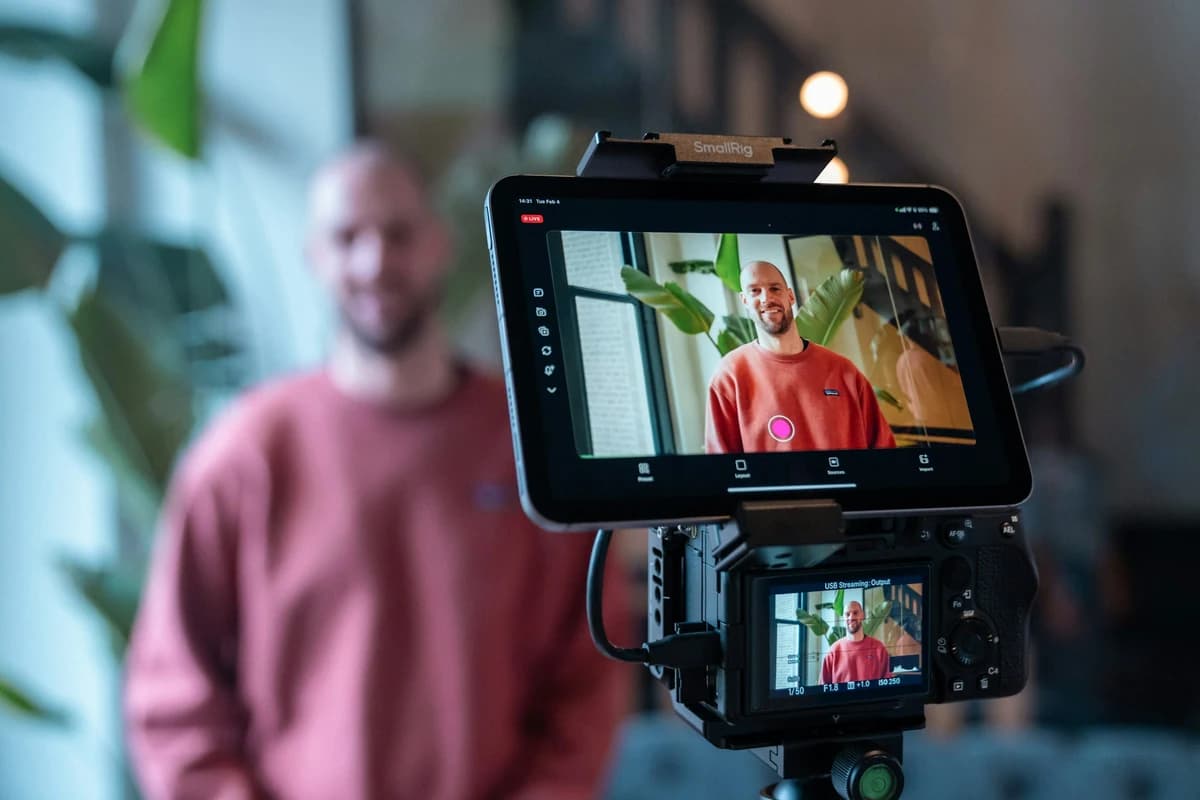
Generate 15-second vertical clips from a single text prompt. VideoFX outputs ready-to-post 9:16 content for TikTok, Reels, and Shorts — including background music. Creators average 4 clips per session.
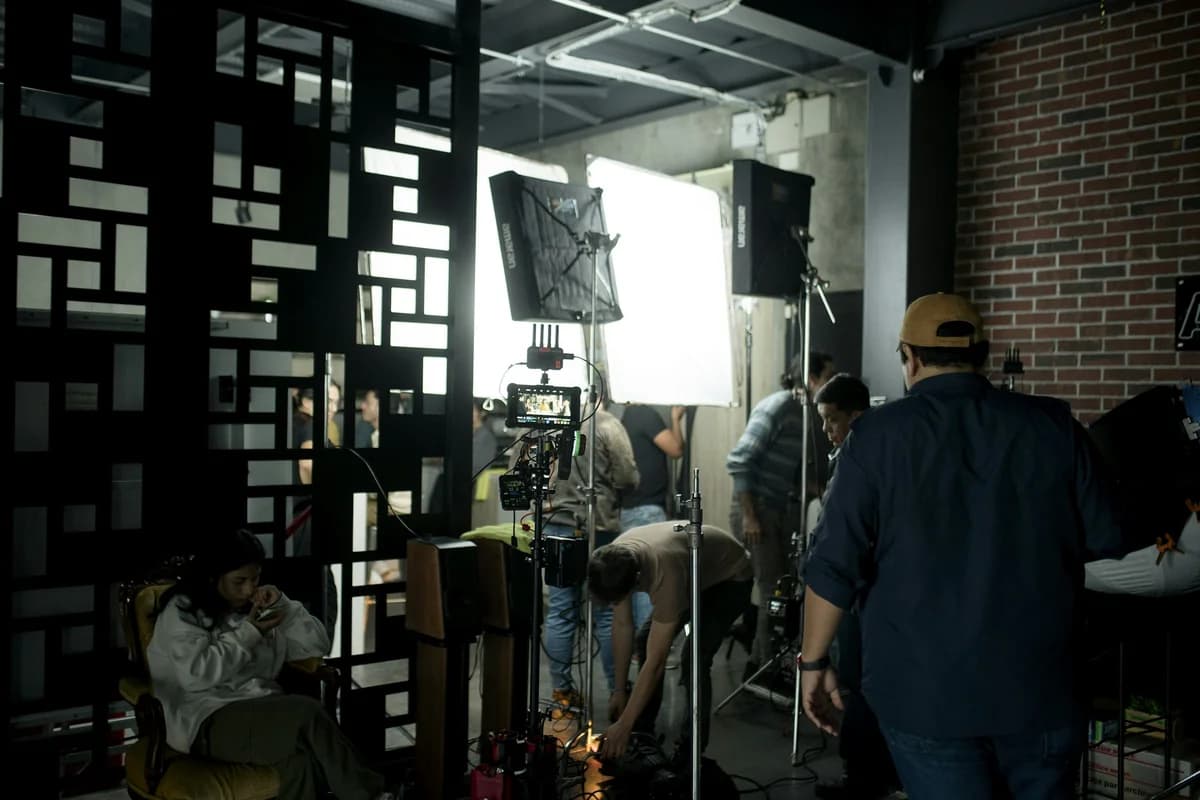
Block out entire scenes with VideoFX text-to-video before shooting. Transfer actor performances to CG characters using motion control. Export 1080p clips as reference footage or final shots.

Shoot one hero video, then use VideoFX lip sync to dub it into 12 languages overnight. Marketing teams cut localization costs by 85% compared to hiring voice actors per market.
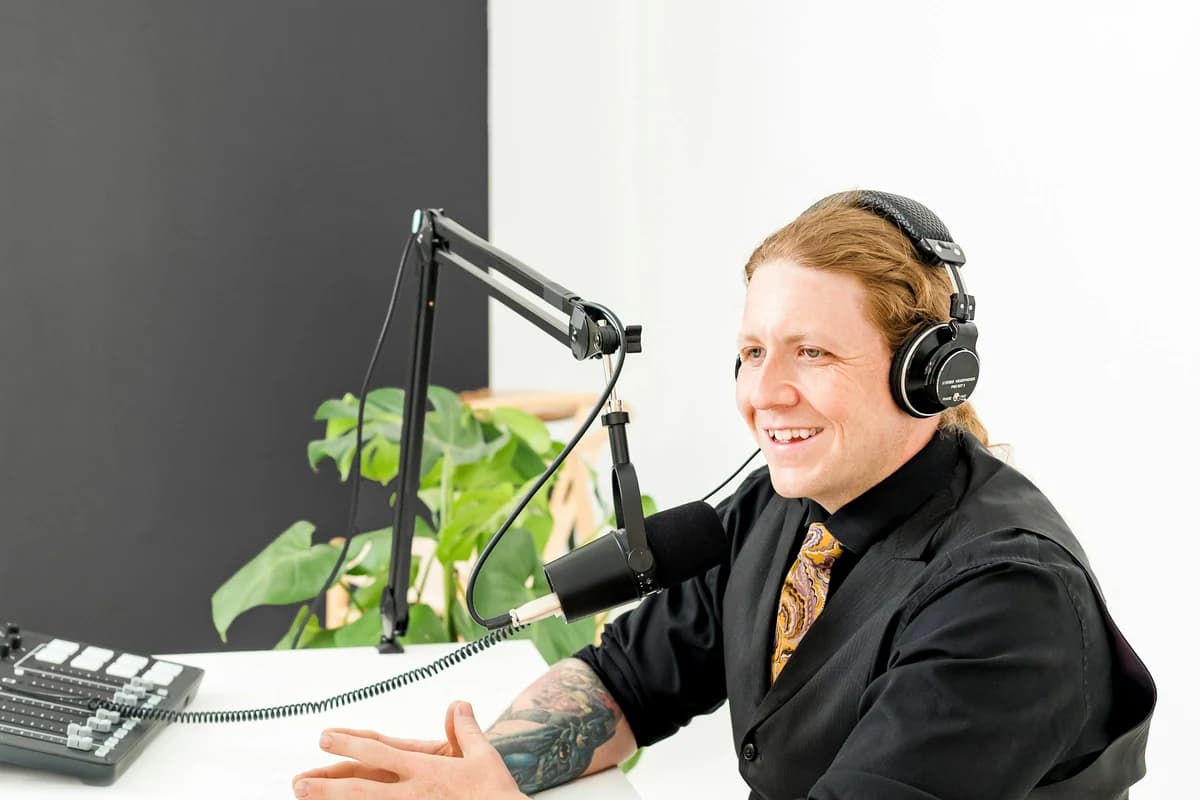
Record one lecture, then use VideoFX lip sync to translate it into 40+ languages for global student audiences. Motion control lets you create animated instructor avatars for younger learners.
Generate rotating product showcases, lifestyle context videos, and unboxing animations from product photos. VideoFX processes a single image into a 5-second product reveal in under 40 seconds.
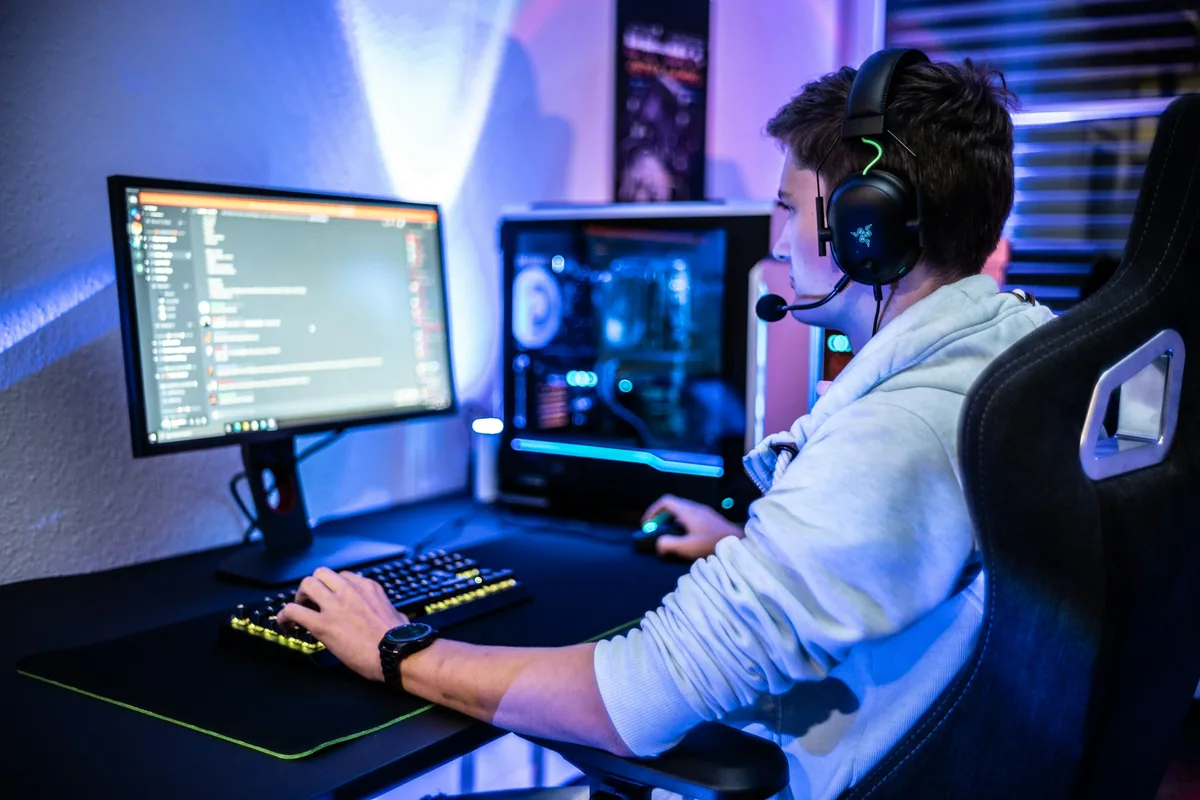
Record actor performances and transfer them to game characters using VideoFX motion control. Generate cinematic cutscene footage from text descriptions. Export at 1080p for in-engine integration.
Professionals and hobbyists choose VideoFX for AI video generation, lip sync, and motion transfer.
Active Creators
Videos Generated
Average Rating
Monthly Growth
Real feedback from the VideoFX community.
Alex Rivera
YouTube Creator
I dubbed my entire channel into Spanish using the lip sync tool. Subscriber count in LATAM jumped 3x in two months — zero re-recording needed.
Mei Chen
Marketing Director
We cut our product video turnaround from 5 days to 4 hours. The text-to-video quality rivals what our agency delivered for 20x the cost.
James Okafor
Indie Filmmaker
Motion control replaced our entire pre-viz pipeline. I record myself acting, map it to a CG character, and have rough cuts ready before the real shoot.
Sofia Martinez
E-Commerce Manager
Generating product showcase videos from still photos saved us $12K/month in studio rental. The 9:16 vertical exports drop straight into our TikTok Shop.
Kai Nakamura
Online Educator
Translating lectures into Japanese, Korean, and Mandarin with accurate lip sync made our courses accessible to 50,000 new students across Asia.
Lena Dubois
Social Media Strategist
We produce 15 video variants per campaign using different prompts and A/B test them directly. The batch processing handles it all in one queue.
Start with 30 free credits. No credit card required.
Common questions about VideoFX AI video generation, lip sync, and motion control.
VideoFX uses advanced AI for text-to-video and multi-model AI for image-to-video generation. Lip sync runs on a proprietary phoneme-matching engine supporting 40+ languages. Motion control uses skeletal tracking to map body movement from reference footage to any character.
Unlike single-purpose dubbing platforms, VideoFX lip sync integrates directly with video generation and motion control. You can generate a scene, add character dialogue in any language, then apply motion — all without leaving the platform. Phoneme accuracy handles tonal languages like Mandarin and Vietnamese where generic mouth mapping fails.
Yes. Record yourself dancing with any camera — phone, webcam, or DSLR. VideoFX extracts 17-point skeletal data and applies it to a generated character. No motion capture suit needed. The same motion can be applied to multiple characters with different outfits and environments.
Standard output is 1080p with automatic sound effects and ambient audio. 4K upscaling is available on Pro and Business plans. VideoFX generates audio matched to scene content — footsteps, ambient sounds, and music cues — so exports are ready to publish without post-production.
VideoFX exports MP4 in 16:9 (landscape), 9:16 (vertical), and 1:1 (square). Text-to-video generates 5-10 second clips. Lip sync preserves the original video duration. All formats work directly with TikTok, YouTube Shorts, Instagram Reels, and standard video editors.
VideoFX lip sync supports 40+ languages across Latin, CJK, Arabic, Cyrillic, and Devanagari scripts. This includes English, Spanish, Mandarin, Japanese, Korean, Arabic, Hindi, French, German, Portuguese, and Indonesian. Multi-speaker mode tracks each person independently in group scenes.
New accounts start with 30 free credits — no credit card required. Each video generation costs 2-5 credits depending on resolution and duration. Lip sync costs 3 credits per minute of processed video. The Basic plan at $19.9/month includes 1,300 credits with all three tools unlocked.
Yes. All paid plans include full commercial rights for generated videos, lip-synced content, and motion-controlled animations. Free tier content requires attribution. Business plan users get priority rendering, API access, and team collaboration features.
Support ready
Get help
